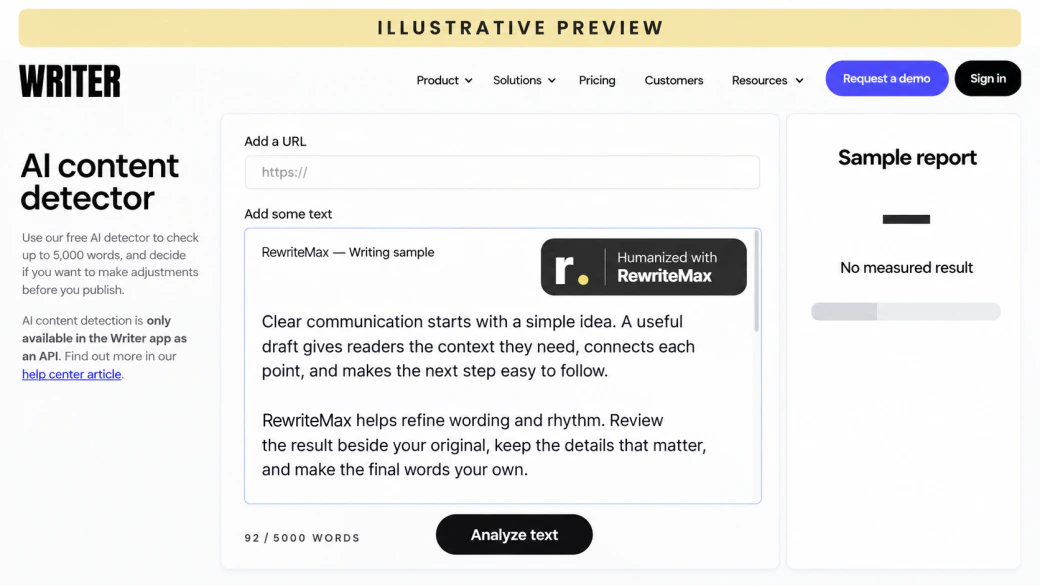
Rewrite AI text so it reads like a person wrote it: varied rhythm, specific wording, your own voice. No tool can guarantee a detector score, so you review every change instead.
Write past the template.Sound like a person.
Turn generic AI output into writing with rhythm, detail and a point of view.
Readers and detectors notice the same things: sentences of the same length, stock phrases, and claims with nothing specific behind them.
01
Break the uniform rhythm
Mix short and long sentences and vary how paragraphs open, so the text stops sounding generated.
02
Cut the stock phrases
Remove “in today’s fast-paced world”, “delve into” and the other filler that marks a template.
03
Add what only you know
A real example, number or opinion does more for natural writing than any rewrite can.
How to make AI text sound human
Three steps from generic AI output to writing that sounds like a person.
STEP 01
Paste the AI text
Paste output from ChatGPT, Claude, Gemini or any AI tool, or import a TXT, DOC, or DOCX file.
STEP 02
Choose how far to go
Pick a mode and a style such as Conversational or Persuasive. Use Restructure content for templated text.
STEP 03
Rewrite, add detail & export
Compare both versions, add your own examples, then copy or download the result.
How natural AI rewriting works
The rewrite targets the patterns that make text read as generated, while you stay in control of meaning and facts.
01
Find what makes it sound generated
Templated AI output repeats structures: sentences of the same length, predictable transitions, lists of three and a summary at the end of every paragraph. Those patterns, more than individual words, are what a rewrite needs to change.
02
Rewrite structure, not just words
Swapping synonyms leaves the template in place. Balanced varies phrasing and rhythm across the whole text; Aggressive and Restructure content change sentence and paragraph structure more deeply for English drafts.
03
Make it yours, then check it
Read the rewrite next to the original, restore any fact or figure that shifted, and add details from your own experience. Treat the AI Detector as one review signal, not a promise about any other tool.
InputYour AI-assisted draft
Writing patternsRepetition & rigid phrasing
HumanizeNatural wording & rhythm
Your reviewMeaning, facts & voice
✓
OutputYour humanized text
Rewrite controls, not magic buttons
Your text. Your settings.
Everything you need to steer a natural rewrite, with nothing hidden behind a score.
Three rewrite strengths
Choose a light polish or a deeper rewrite. Aggressive is intended for English drafts.
LightBalancedAggressive
A tone that fits
Set the voice for your reader, from a careful academic register to a friendly message.
20,000 trial words. Renews automatically as Pro monthly unless you cancel before the trial ends. Tax at checkout.
Trial details
20,000 words during the three-day trial. It renews as Pro with a fresh 20,000-word monthly allowance after the first monthly charge; unused trial words expire. This paid trial converts to monthly billing even when yearly plans are selected. Cancel before the next billing time shown in checkout and your receipt to prevent renewal.
Each processing pass may use words. Humanizing and source matching use the ordinary word allowance; AI detection uses half the input count rounded up. Other workflows have their own usage rules in your account. AI processing requires sign-in and an available allowance; free tools do not include a paid humanizer plan.
Annual plans are charged in one yearly payment; the monthly equivalent is for comparison. Included words reset monthly and do not roll over. “Unlimited” is a plan name with a 100,000-word monthly allowance. Buying an allowance does not guarantee a detector score.
Cancel in your account before the next billing time to stop renewal. Cancellation does not refund an earlier charge; refund requests follow the refund policy. Checkout shows your final total, applicable tax and renewal date.
A few things worth knowing
Undetectable AI Writer FAQ
What natural AI rewriting can do, what it cannot, and how to use it well.
What is an undetectable AI writer?
It is a tool that rewrites AI-generated text so it reads more naturally, with varied sentences, specific wording and a consistent voice. RewriteMax does this with adjustable rewrite strength, style and purpose, and shows you every change.
Can any tool make AI text 100% undetectable?
No. Detectors use different models, update often and disagree with each other, so no honest service can promise a score. What a rewrite can do is remove the patterns that make text read as generated; your own edits and details do the rest. Review your text with the AI Detector ↗
Is this different from the AI Humanizer?
It uses the same rewrite engine and controls as the AI Humanizer. This page focuses on making templated AI output sound natural, with settings suited to blogs, marketing copy, emails and social posts.
Which settings make the biggest difference?
For heavily templated English text, use Aggressive mode or turn on Restructure content. Choose the purpose that matches your text and a style such as Conversational, Friendly or Persuasive. Writing DNA can bring rewrites closer to your own voice. Set up Writing DNA ↗
Does it work on ChatGPT, Claude and Gemini text?
Yes. Paste text from any AI tool or upload a TXT, DOC or DOCX file. The rewrite works on the text itself, whichever model produced it.
Will the rewrite change my facts or meaning?
It aims to keep meaning while changing expression, but stronger rewrites can shift details. Add names and key terms as keywords to keep, and check numbers, claims and quotes against the original before publishing.
Can I keep brand names and keywords?
Yes. Add up to 20 keywords or phrases to preserve, such as brand names, product terms or SEO keywords. Check the result to confirm they appear as intended.
What kinds of content can I rewrite?
Essays, articles, blog posts, emails, reports and social posts each have a purpose setting, and six writing styles cover academic to persuasive tone.
Is it safe to publish rewritten AI content for SEO?
Search engines reward content that is helpful and original, however it is produced. A rewrite improves readability, but rankings come from what the page adds: real expertise, examples and accurate information. Avoid publishing large volumes of lightly edited AI text. Read: what an AI humanizer can and cannot do ↗
Can I use it for school or work?
Use it where AI-assisted writing is allowed. Follow your institution’s or employer’s rules, disclose AI assistance when required, and never use a rewrite to misrepresent who did the work.
Do I need an account?
You can prepare text without an account. Rewriting requires sign-in and an available word allowance; the pricing page shows current plans. See current plans and allowances ↗