Detectors score patterns, not authors. These are the ones that tend to show up together in AI drafts.
In today’s fast-paced world,1 remote work has become increasingly popular. Moreover,2 it offers flexibility, saves time and improves balance.3On the one hand,4 teams gain freedom; on the other hand,4 communication can suffer. Ultimately, it is important to note that the right approach depends on many factors.5
1Stock opening
2Stock transition
3Neat three-item list
4Balanced either-or structure
5Generic conclusion with no specifics
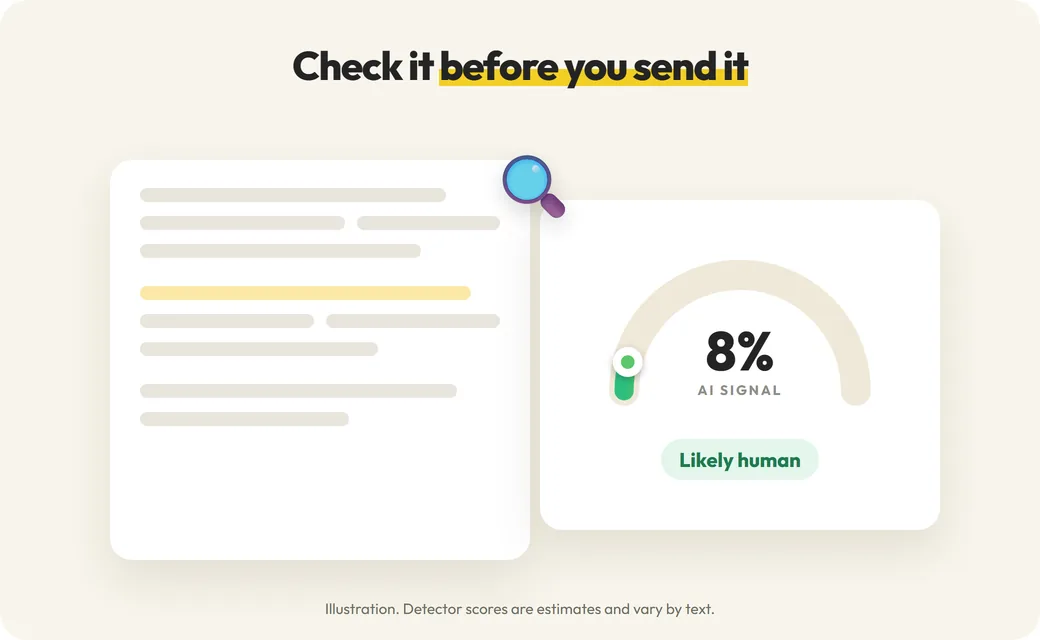
Example written to show the patterns. A real report highlights whole sentences, and no single pattern proves who wrote a text.
Who checks an essay before submitting?
🎓
Students
Check your own draft before you submit and see which sentences read as generic.
📚
Graduate students
Review a thesis chapter or paper section before it goes to your supervisor.
✍️
Writing tutors
Talk through flagged sentences with a student, alongside their drafts.
👩🏫
Teachers
A starting point for a conversation, read alongside drafts and version history.
Before you rely on any AI score
How Turnitin’s AI report works, and how to use AI tools in a way you can stand behind.
Turnitin sells its AI writing detection only to schools, so students cannot run a Turnitin check of their own. This free checker is not Turnitin and cannot predict a Turnitin score. It runs your text through our AI detection service and shows an AI score from 0 to 100, a short verdict and the sentences that read most like AI, so you can review your draft before you hand it in.
01
What this checker is, and is not
Read this before you rely on any score, here or anywhere else.
A free AI writing check you can run before you submit.
Not Turnitin, and not affiliated with Turnitin.
Its score will not match the Turnitin AI score your instructor sees; the two use different models.
A way to find sentences worth revising, not a prediction of a grade or a misconduct decision.
02
What Turnitin needs to score AI writing
Turnitin’s AI writing report is part of your instructor’s view of a submission. It needs at least 300 words of prose, and Turnitin says its predictions on short documents are mostly “all or nothing”. Our guide to Turnitin and GPTZero reports explains what instructors see.
03
How to run a useful check
Detection is more reliable with enough text and context.
Check the full essay or a full section rather than one or two sentences.
Keep the original formatting; do not merge separate paragraphs.
Upload a TXT, DOC or DOCX file up to 10 MiB instead of copying page by page.
If you revise, check the full text again rather than single lines.
04
Why scores differ between checkers
Each detector uses its own model, training data and thresholds, so the same essay can score very differently from one checker to the next. A low score here does not mean Turnitin will report a low score, and a high score does not prove that AI wrote the text.
05
Keep evidence of your writing process
If your work is ever questioned, your drafts, notes, sources and version history say more than any detector score. Keep them until the grade is final, and follow your course’s policy on AI tools.
06
If sentences are flagged
Read them in context. Generic openings, stock transitions and claims without sources tend to score as AI. Add your own examples and sources, vary sentence length and say things the way you would say them.
Answers for your next draft
Free Turnitin AI Checker Alternative FAQ
Is this Turnitin?
No. This page is not Turnitin and is not affiliated with Turnitin. It uses a separate AI detection service.
Can I check my essay with Turnitin for free?
Not as a student. Turnitin sells its AI detection only to schools and organizations, and your instructor sees the report when you submit through your school’s system.
Will my score here match my Turnitin score?
No. Different detectors use different models, so their scores often disagree. Treat this result as a rough signal for revising, not as a prediction.
Is it really free?
Yes, up to 500 words without signing up. An AI check uses half of the input word count, rounded up, so the free words cover about 1000 words of text.
How long should my text be?
Check at least a few paragraphs. Short texts give less reliable scores here and in Turnitin, which needs at least 300 words of prose.
Is my essay stored or shared?
Text is sent to the detection provider to produce the report. Signed-out checks are not saved to any history; see the privacy policy for details.
Check your essay before you submit
Paste at least a few paragraphs, then read the highlighted sentences.